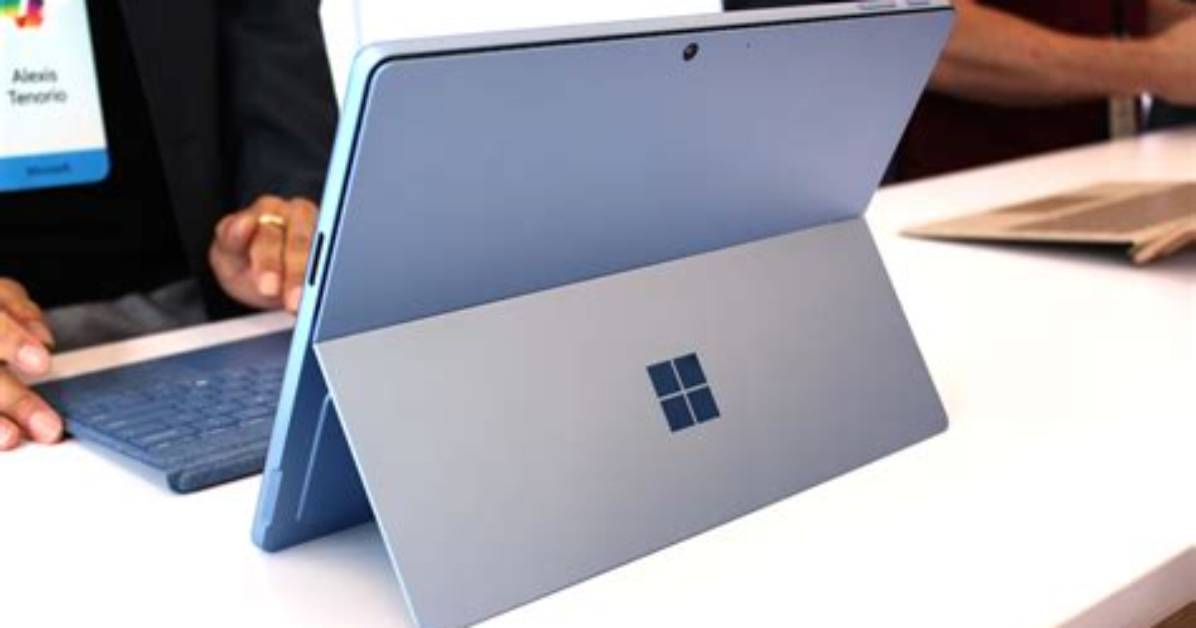
There’s no question that the Surface Pro 7 is getting long in the tooth. Microsoft’s latest Surface detachable made its first appearance at the tail end of 2019 and, now well into 2021, has yet to be succeeded by anything newer. However, if you’re still sporting an older model, you may be curious as to what makes the Pro 7 different, if not better.
This guide compares the Surface Pro 7 against the Surface Pro 6. The big difference lies within the underlying CPU, but we make other comparisons to give you an idea of what changed between the two generations. Did the refresh make the Surface Pro 7 an imperative purchase? Read on to find out.
Design
You’ll be hard-pressed to tell the difference between the Surface Pro 7 and Surface Pro 6. Both sport Microsoft‘s familiar Surface design aesthetic and build, with silver-gray magnesium formed into a very robust thin and light tablet at 0.33 inches and around 1.73 pounds. Both devices feel like solid chunks of glass and metal.
That said, the Surface Pro is probably the most elegant and modern Windows tablet around, thanks in part to the most flexible and smoothest kickstand you’ll find today.
Both 2-in-1s share the same 12.3-inch display in the productivity-friendly 3:2 aspect ratio and a sharp 2736 x 1824 (267 pixels-per-inch) resolution. The displays use Microsoft’s latest Pixelsense technology, which creates a very thin panel for images that pop and for pen and fingertip presses that are as natural as possible. The display has some of the best contrast you’ll find on a 2-in-1 today and over 400 nits of brightness.
However, the Surface Pro 7 does improve connectivity over the prior generation. While both offer the same USB-A and Surface Connect ports, the Surface Pro 7 swaps out the Pro 6’s Mini DisplayPort for USB-C connectivity — without Thunderbolt 3, alas.
Both detachables are compatible with the same optional $130 Type Cover. This keyboard offers a precise mechanism, consistent backlighting, and a very good (if a bit small) Microsoft Precision touchpad with reliable support for all Windows 10 gestures. As usual, it magnetically clings to the slate and is propped up for a comfortable typing experience.
The $100 Surface Pen remains the same as well, with the usual 4,096 levels of pressure sensitivity, tilt support, and fast response time.
Finally, both Surface Pro models ship in Platinum. However, Microsoft serves up the Surface Pro 6 in Black whereas the Surface Pro 7 has a Matte Black option.
Performance
The big difference between the two models is the switch from Intel 8th-Gen “Kaby Lake R” CPUs in the Pro 6 to 10th-Gen “Ice Lake” chips in the Pro 7. The latter CPUs are faster and more efficient processors with integrated Intel Iris Pro graphics that rival entry-level discrete graphics in performance.
The Surface Pro 7 won’t be a bona fide gaming laptop, but it will handle casual games along with creative apps like photo and video editing much better than the Surface Pro 6. If you do plan to game on the Surface Pro 7, you’ll see better performance on the Core i7 configuration that uses Intel’s integrated G7 graphics core.
On a more technical level, the Surface Pro 6 model we tested in 2018 had Intel’s eighth-generation Core i5-8250U. It scored 4,074 in the Geekbench single-core test and 13,567 in the multi-core test. When we tested the Surface Pro 7 with a newer chip, we experienced a 20% increased improvement in multi-core performance, and 24% faster 4K video conversions in Handbrake.

